

15 Minute Planner for reMarkable Paper Pro | 10 Minute Planner, Time Blocking Planner, Hyperlinked
- Instant Download: Get your planner now!
- E-ink ready: Hyperlinked for your reMarkable Paper Pro
- Become more organized and productive

Planner description
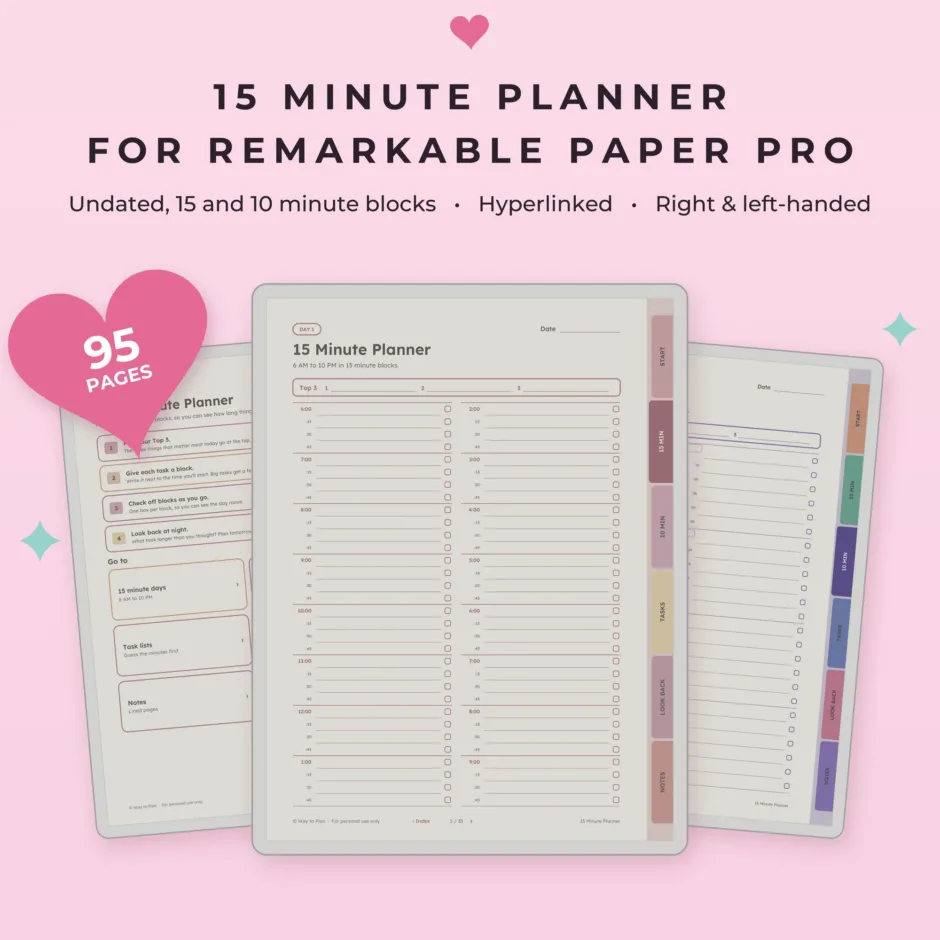
A 15 minute planner for your reMarkable Paper Pro: plan your day in small blocks, with 10 minute pages too, in one hyperlinked file.
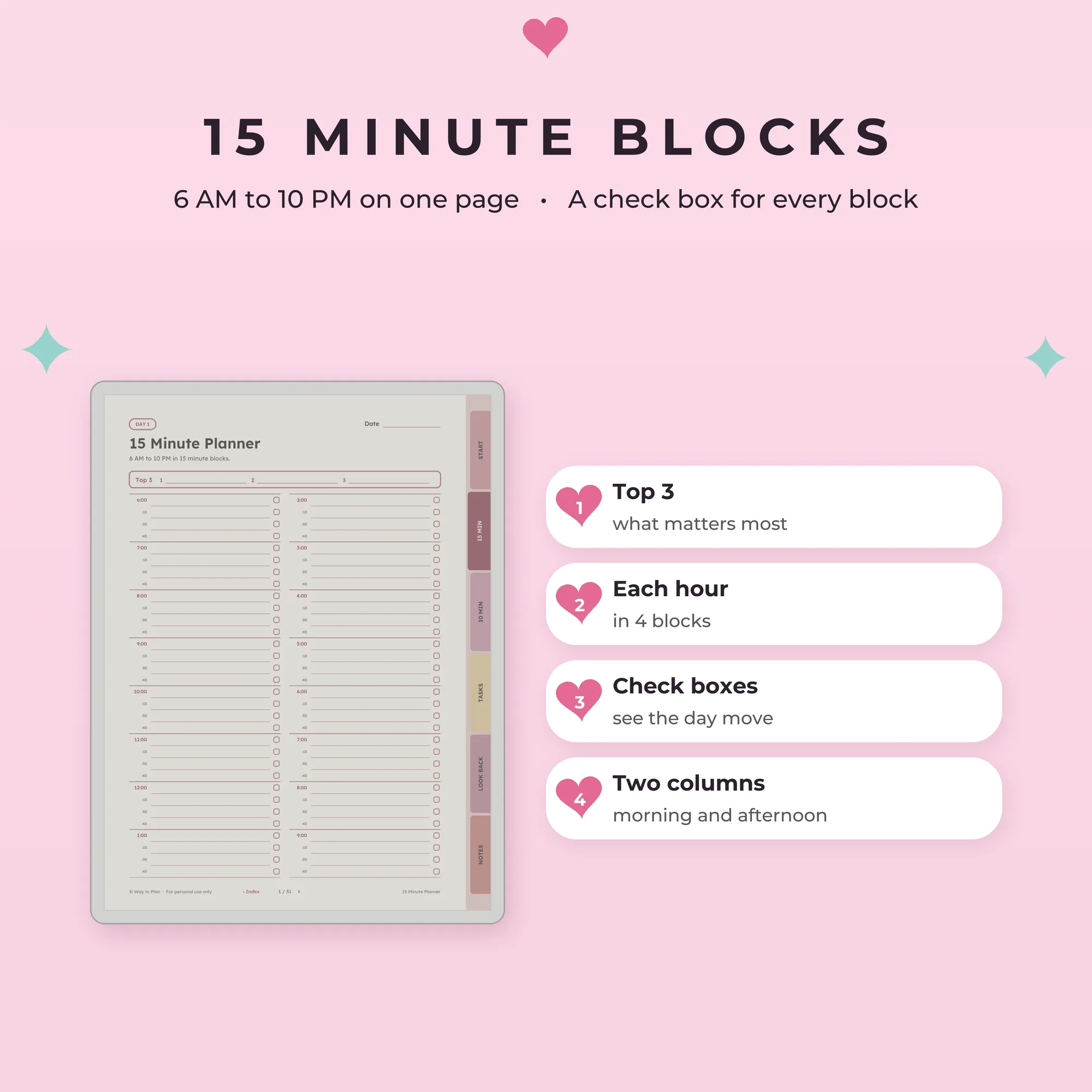
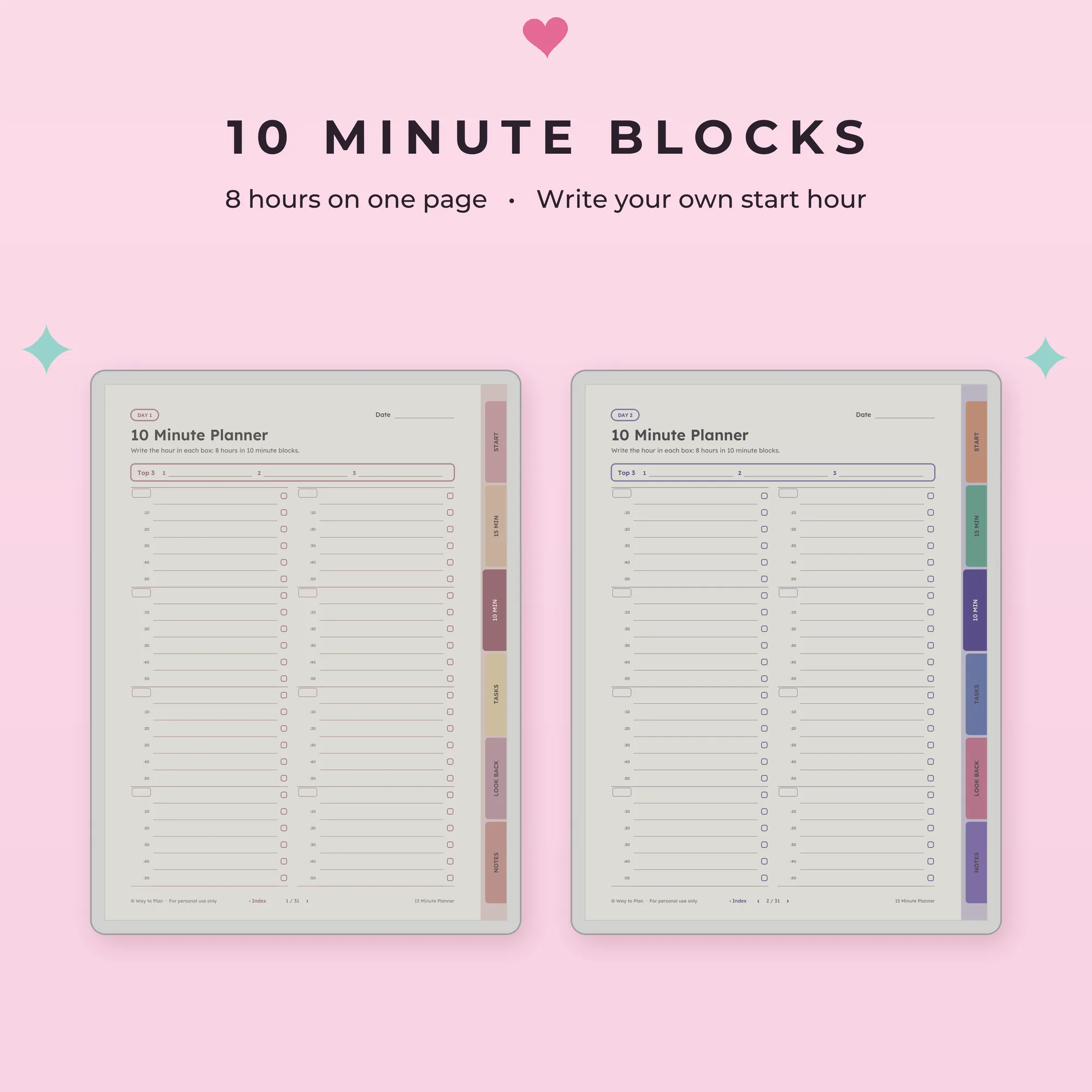
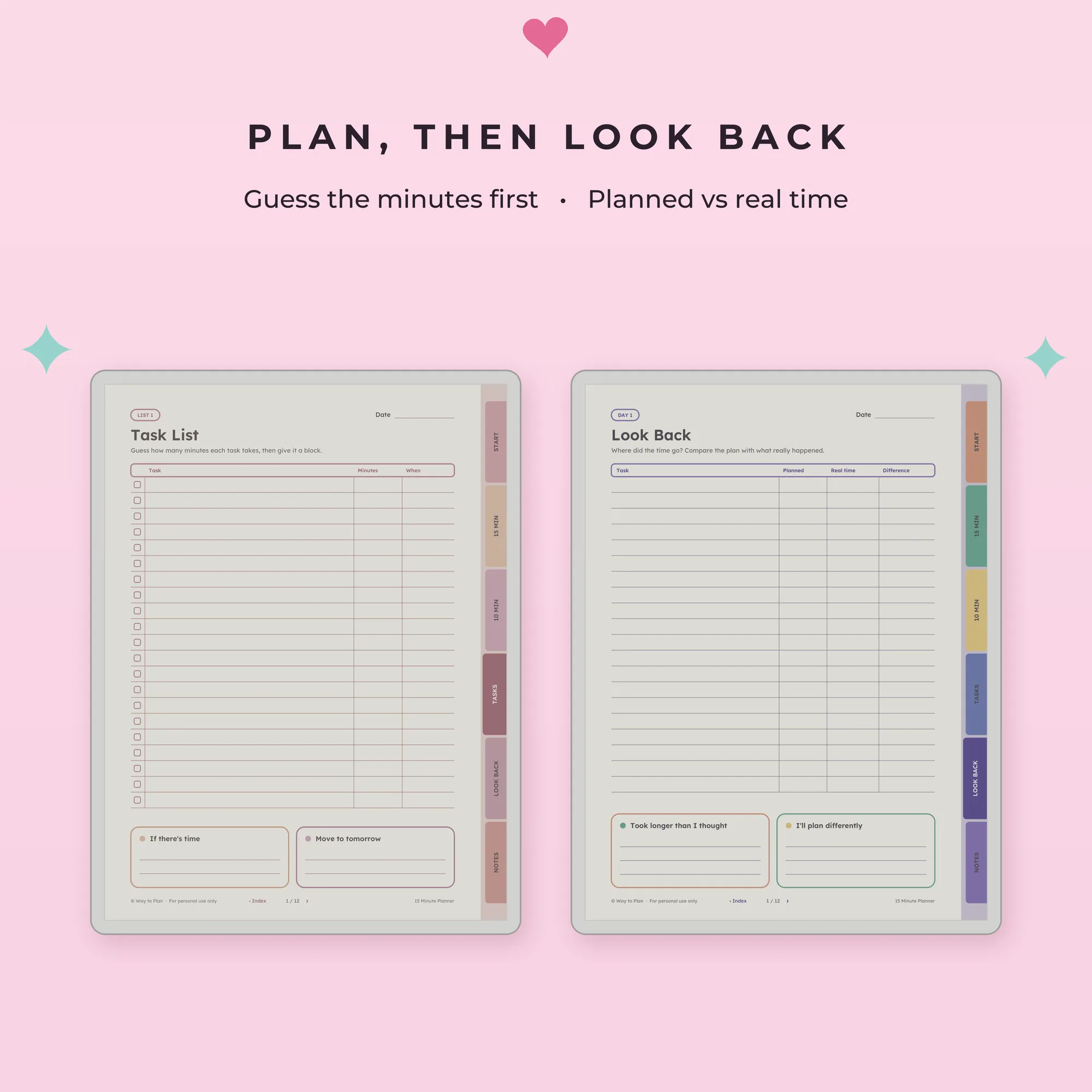
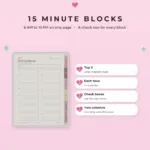
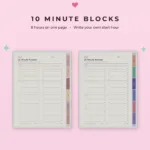
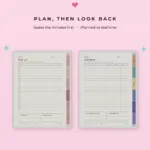
Write your Top 3 at the top, then give each task a block next to the time you'll start. Big tasks get a few blocks. Check off each block as you go, so you can see the day move and how long things really take. The 10 minute pages hold 8 hours: write your own start hour in each box, handy for a work day or a focus session. Guess the minutes on the task list first, then look back at night and compare the plan with what really happened. Undated, so you can start any day.
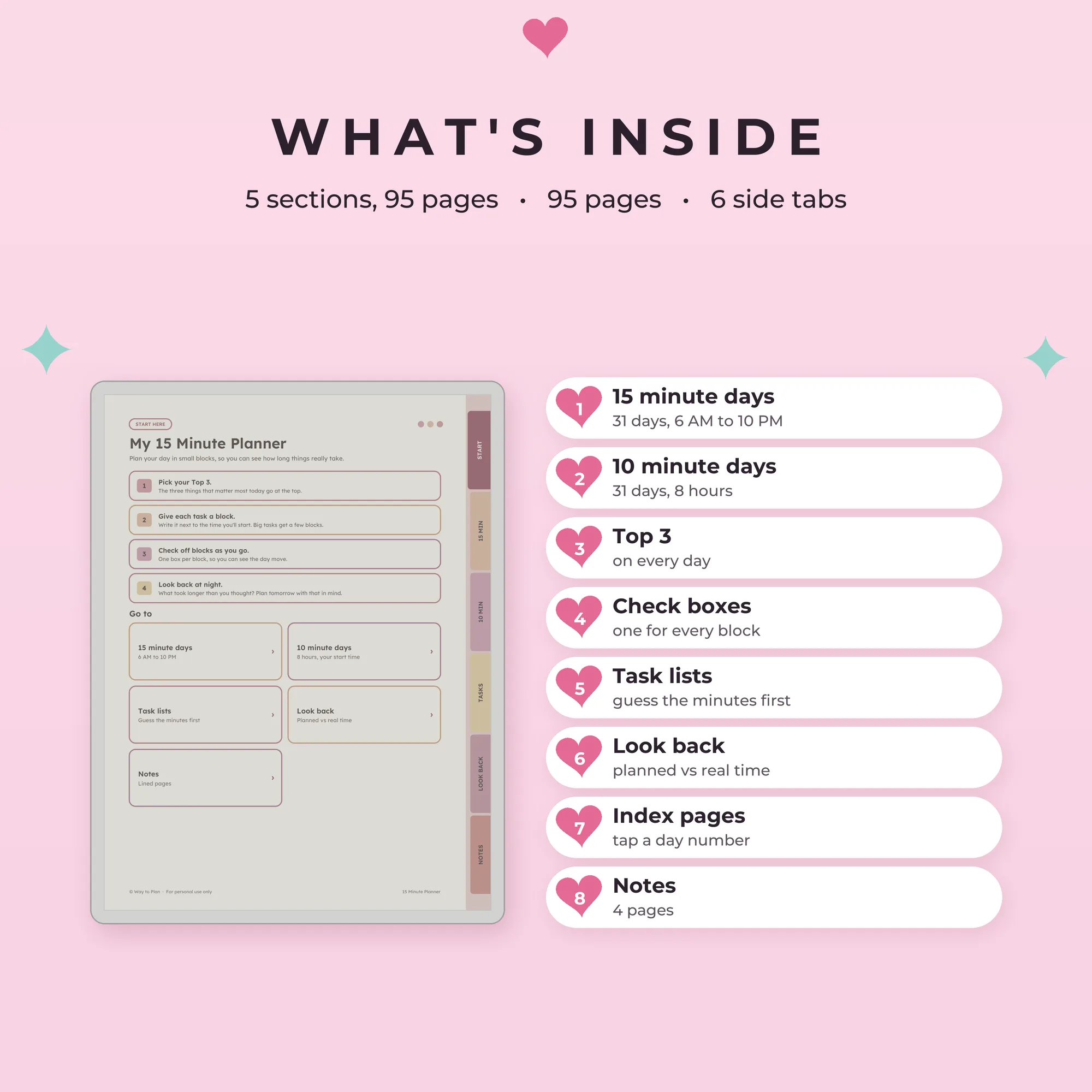
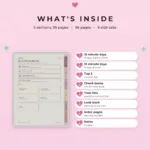
📅 What's inside (95 pages)
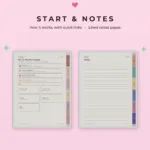
- Start here: how it works, with quick links
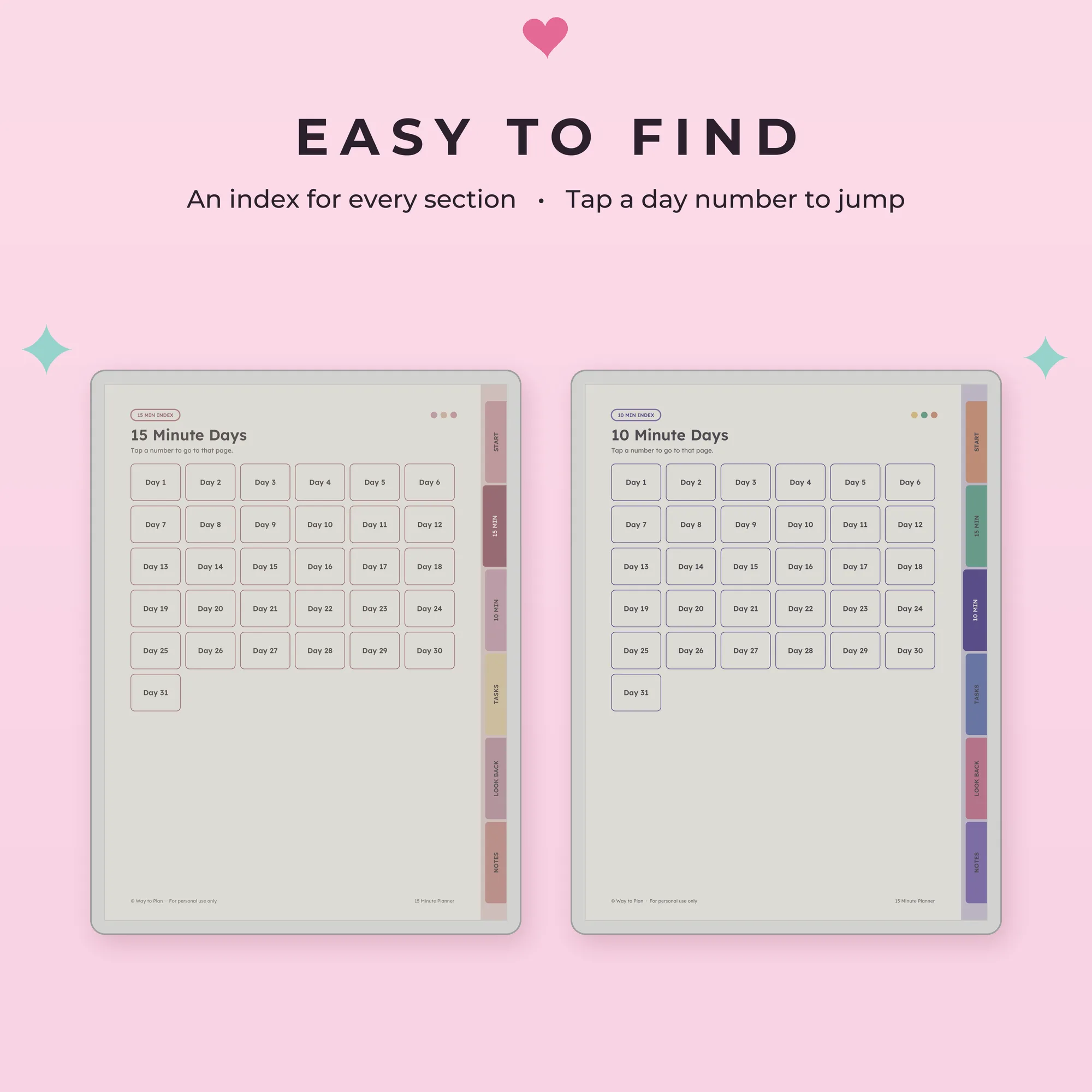
- 31 days in 15 minute blocks, 6 AM to 10 PM, with a Top 3 and a check box for every block
- 31 days in 10 minute blocks: 8 hours a page, write your own start hour
- 12 task lists: guess the minutes first, then give each task a block
- 12 look-back pages: planned time vs real time, what took longer and what you'll plan differently
- 4 notes pages (lined in Classic, grid or dot grid in Clean, dot grid in Notebook)
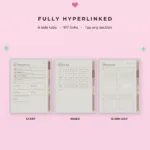
🔗 Hyperlinked (917 links)
- 6 side tabs on every page: Start, 15 Min, 10 Min, Tasks, Look Back, Notes
- Quick links on the start page
- Previous and next buttons on every page
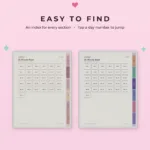
- Index pages for the long sections: tap a number to jump straight to that page, and tap Index to come back
✍️ Details
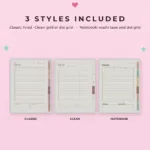
- 3 styles, all included. Classic: Blush Pink, Bold & Playful and Greyscale, with colorful outlined sections and lined writing space. Clean: Rose, Ocean Blue and Greyscale, one accent color with grid or dot grid writing space. Notebook: washi tape headings and tabs, hand-drawn boxes and dot grid writing space, in color or greyscale
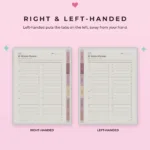
- Right-handed and left-handed versions (left-handed puts the tabs on the left)
- Undated: start any day
- Made for the reMarkable Paper Pro screen size
📦 You will receive
- 15-Minute-Planner-PaperPro-Classic.zip (2.8 MB, right-handed and left-handed)
- 15-Minute-Planner-PaperPro-Clean-Grid-and-Dot-Grid.zip (3.7 MB, right-handed and left-handed)
- 15-Minute-Planner-PaperPro-Notebook.zip (4.2 MB, right-handed and left-handed)
✨ How to install
- Complete your purchase and download the ZIP file from the order confirmation page or your email.
- Unzip it and pick your file.
- Import the PDF with the reMarkable app or my.remarkable.com and let it sync.
- Tap the tabs and links to move around.
💡 Please note
This is a digital product; no physical item will be shipped. Device not included. Colors look softer on e-ink screens than on a phone or computer. For personal use only; please don't share or resell the files.
Designed by Way to Plan with the help of AI tools. Every product is checked and tested before publishing.
📱 Also available for
- reMarkable Paper Pro Move
- reMarkable Paper Pure & reMarkable 2
- Kindle Scribe
- Kindle Scribe Colorsoft
- Supernote Manta
- Supernote Nomad
Want every reMarkable Paper Pro template? The reMarkable Paper Pro Templates Bundle has all 70+ templates, this one included, plus every future one.
On an iPad instead? Get the Digital 15 Minute Planner for iPad.
Reviews
-
September 10, 2026
It was exactly as described.
 Purchased planner: Daily routine checklist to stay...
-
May 20, 2026
Really helped with our home school portfolios! Thanks!
Purchased planner: Homeschool Attendance Tracker | A... -
March 23, 2026
Great tool used for couples therapy!
Purchased planner: Ideal Day Blueprint | Design... -
February 23, 2026
Enjoying this product. Great product.
Purchased planner: Spring cleaning checklist to organize... -
February 22, 2026
Perfect for what I needed for! Thank you!
Purchased planner: Class Notes Template | Cornell-style... -
February 1, 2026
Works great for what I needed it for!
Purchased planner: Monthly budget calendar to visualize... -
January 20, 2026
quick and efficient lay out.
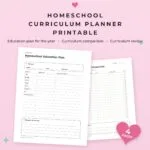
Purchased planner: Homeschool Curriculum Planner | Plan... -
January 17, 2026
I don't know how many more ways I can say that I love the products from this shop!
Purchased planner: Week at a glance printable... -
January 2, 2026
So far so good! Well thought out. Simple and easy.
Purchased planner: Daily routine checklist to stay... -
December 6, 2025
Great organizational help when I'm doing a brain dump, or need to break down a big project!
Purchased planner: Priority tasks worksheet to help... -
October 23, 2025
There are various planner pages; a lot of them are unique and practical. This bundle is a great deal! I'm glad I bought for the access of all current and future planner templates from this one purchase! The printables have a clean + simple aesthetic. And different / popular sizes! :D
Purchased planner: The only planner bundle you’ll... -
August 17, 2025
everything is fine, thank you very much…
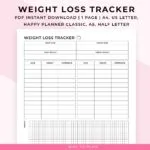
Purchased planner: Weight loss tracker printable to... -
July 28, 2025
Really like the set up of this sheet and looking forward to using it for work. Easy to download and a great price.
Purchased planner: Priority tasks worksheet to help... -
July 13, 2025
Item is as described, looks like it will be helpful. Easy to download and print. Thank you!
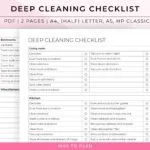
Purchased planner: Deep cleaning checklist to get...





Living with my ADHD has its ups and downs, But it taught me the importance of staying organised. Sure, focusing can be tough, but i’m all about finding tricks to make it easier.
-

Health Pack for reMarkable Paper Pro | 10 Hyperlinked Templates, Save Over 70%
Ten hyperlinked health trackers for your reMarkable Paper Pro: symptoms, medication, mood, your cycle, weight, water and steps, plus a medical binder for appointments and records.Original price was: $19.95.$13.97Current price is: $13.97. -
Meeting Notes for reMarkable Paper Pro | Hyperlinked Color E-Ink Meeting Notebook, 3 Themes
A fully hyperlinked meeting notebook made for the reMarkable Paper Pro: 100 meetings with an index, one-on-one pages, a master action list, agendas and a decision log. 276 pages, 3 color themes, left- or right-handed.Original price was: $6.95.$4.87Current price is: $4.87. -
Boundaries Workbook for reMarkable Paper Pro | People Pleasing Workbook, Lined, Grid or Dot Grid, Hyperlinked
A boundaries and people pleasing workbook for your reMarkable Paper Pro: notice the automatic yes, know your limits and find words that sound like you.Original price was: $9.95.$6.97Current price is: $6.97.