

ADHD Life Planner App, Daily Planner with Routines, Habit Tracker and Timers, Brain Dump To Do List, HTML Planner for Phone and Computer
- Instant Download: Get your planner now!
- Printable & Digital: Print or use with your iPad
- Become more organized and productive

Planner description
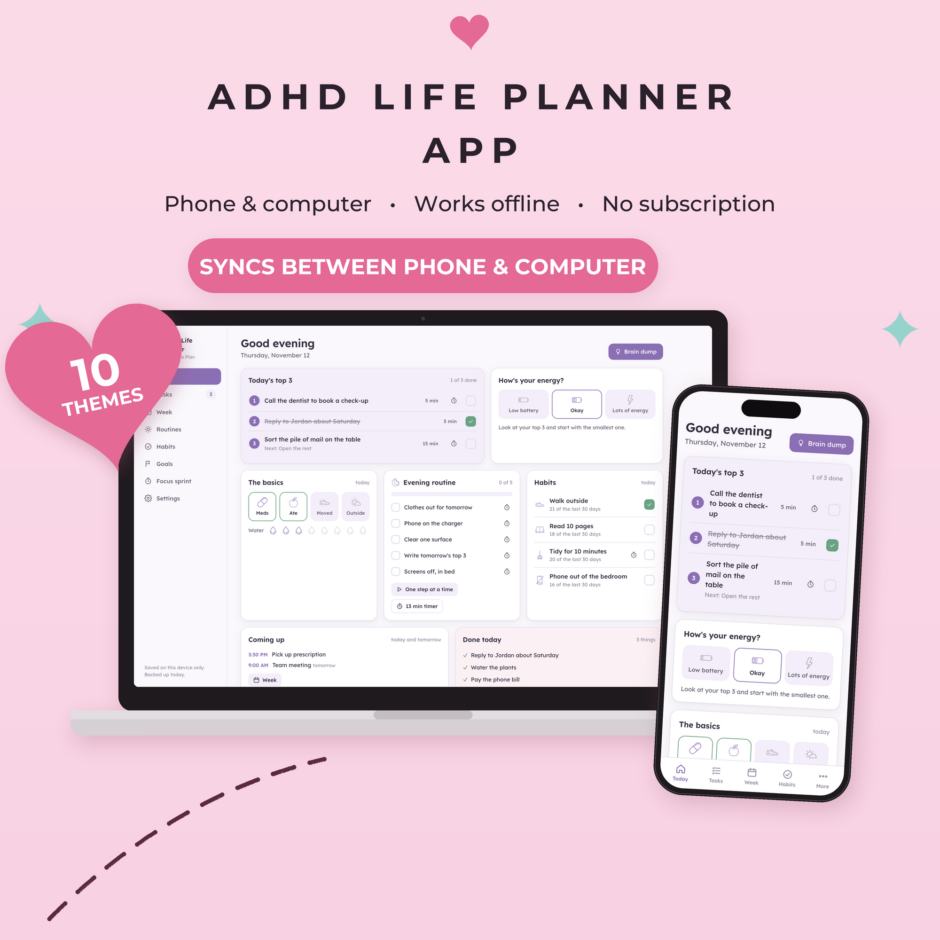
An ADHD life planner that lives on your phone and computer. Your top 3 for today, a brain dump, routines, habits, goals, your week and a timer for every task, all in one place. It works offline, has no subscription, and can sync between your devices if you want it to.
Paper planners get left in a bag and most apps want you to fill in everything. This one starts with one question: what are the 3 things that matter today? The rest is there when you have the energy for it.
📅 What's inside
- Today: your top 3, a quick energy check, the basics (meds, food, moving, fresh air, water), today's routine, habits, what's coming up, and a "done today" list so you can see what you did
- Low battery days: tap "Low battery" and the plan shrinks to just one thing, plus the basics. A button picks a small task for you
- Brain dump & tasks: type everything that's in your head, one at a time or a whole list at once. Sort it later into today, this week or someday. Star up to 3 for today. Big task? Break it into small steps. Can't choose? Tap "Pick one for me"
- Timers: start a timer on any task, routine step, habit or goal step that mentions minutes. Add or take off a minute with + and -. A small timer bar stays visible while you use the rest of the planner
- Routines: morning, evening and leaving the house, ready to edit. "One step at a time" shows only the next step, so the list doesn't feel like a wall
- Habits: see how many of the last 30 days you did it, instead of streaks that break. Missing a day is normal
- Goals: each goal is a list of small steps, with the next step on top
- Week: appointments per day, 3 things that matter this week, a 20-minute weekly reset checklist, your wins, and a month calendar
- Focus sprint: 5 to 60 minutes on one thing, with a box to park distracting thoughts
- Settings: your name, Monday or Sunday start, 10 color themes (light and dark), sync, backup and restore
It starts with a sample planner so you can look around first. Tap "Start my own" when you're ready.
💗 How it works
- Complete your order and download the zip from your order email or My Account > Downloads.
- Open the PDF inside. It has your link, a QR code and your unlock code.
- On your phone, open the link and add it to your Home Screen. It gets its own icon and opens like an app.
- Enter your unlock code once on each device.
- Using a phone and a computer? Turn on sync in Settings and type your sync code on the other device.
The zip also has the planner as an HTML file, so you can use it on a computer without internet.
💡 Please note: where your planner is saved
- Your planner is saved on the device you use it on, in that browser. Without sync it isn't stored online, so we can't get it back for you.
- Sync is optional. When you turn it on, you get a private sync code. Your planner is locked with that code before it leaves your device, so nobody else can read it, not even us. Keep the code somewhere safe: without it, the synced copy can't be opened.
- The copy on a device can be wiped: clearing your browser history or website data, deleting the home screen icon, private browsing, or a lost or reset phone all delete it. Safari can also clear websites you haven't opened for a few weeks; the home screen app is much safer.
- Please download a backup about once a month and keep the file somewhere safe, like your email or cloud storage. The app reminds you.
- On iPhone, add it to your Home Screen first and unlock it there, because that's where it keeps your planner.
- Phones pause web apps in the background, so a timer's alert shows when you come back to the app.
✍️ Details
- Works in Safari, Chrome and Edge on iPhone, iPad, Android, Mac and Windows
- No account, no subscription
- Digital product: no physical item will be shipped. For personal use only; please don't share your link or code.
Designed by Way to Plan with the help of AI tools. Every product is checked and tested before publishing.
Reviews
-
September 10, 2026
It was exactly as described.
 Purchased planner: Daily routine checklist to stay...
-
May 20, 2026
Really helped with our home school portfolios! Thanks!
Purchased planner: Homeschool attendance tracker to track... -
March 23, 2026
Great tool used for couples therapy!
Purchased planner: Ideal day blueprint to get... -
February 23, 2026
Enjoying this product. Great product.
Purchased planner: Spring cleaning checklist to organize... -
February 22, 2026
Perfect for what I needed for! Thank you!
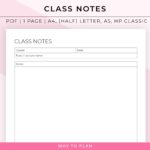
Purchased planner: Class notes template will help... -
February 1, 2026
Works great for what I needed it for!
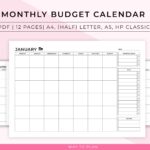
Purchased planner: Monthly budget calendar to visualize... -
January 20, 2026
quick and efficient lay out.
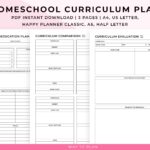
Purchased planner: Homeschool Curriculum Planner to compare... -
January 17, 2026
I don't know how many more ways I can say that I love the products from this shop!
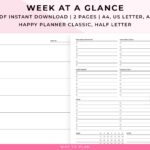
Purchased planner: Week at a glance printable... -
January 2, 2026
So far so good! Well thought out. Simple and easy.
Purchased planner: Daily routine checklist to stay... -
December 6, 2025
Great organizational help when I'm doing a brain dump, or need to break down a big project!
Purchased planner: Priority tasks worksheet to help... -
October 23, 2025
There are various planner pages; a lot of them are unique and practical. This bundle is a great deal! I'm glad I bought for the access of all current and future planner templates from this one purchase! The printables have a clean + simple aesthetic. And different / popular sizes! :D
Purchased planner: The only planner bundle you’ll... -
August 17, 2025
everything is fine, thank you very much…
Purchased planner: Weight loss tracker printable to... -
July 28, 2025
Really like the set up of this sheet and looking forward to using it for work. Easy to download and a great price.
Purchased planner: Priority tasks worksheet to help... -
July 13, 2025
Item is as described, looks like it will be helpful. Easy to download and print. Thank you!
Purchased planner: Deep cleaning checklist to get...


Living with my ADHD has its ups and downs, But it taught me the importance of staying organised. Sure, focusing can be tough, but i’m all about finding tricks to make it easier.
-

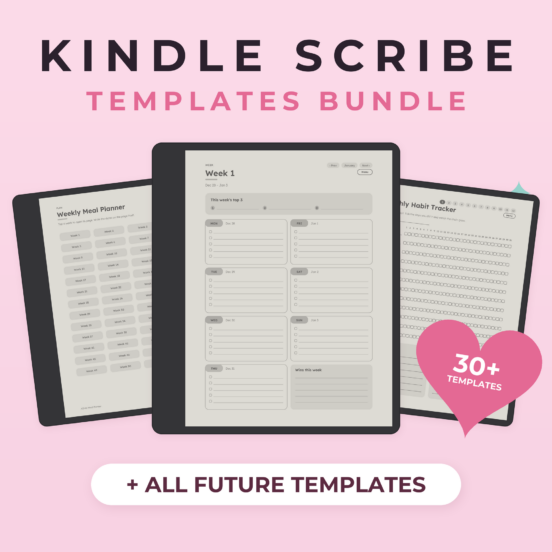
Kindle Scribe Templates Bundle | All 30+ Kindle Scribe Planners & Journals, Hyperlinked, Future Templates Included
Every Kindle Scribe template in our shop in one bundle, including every new one we make. 30+ hyperlinked planners, journals and trackers, with a Menu button at the top of every page, made for the Kindle Scribe screen.Original price was: $49.95.$37.46Current price is: $37.46. -
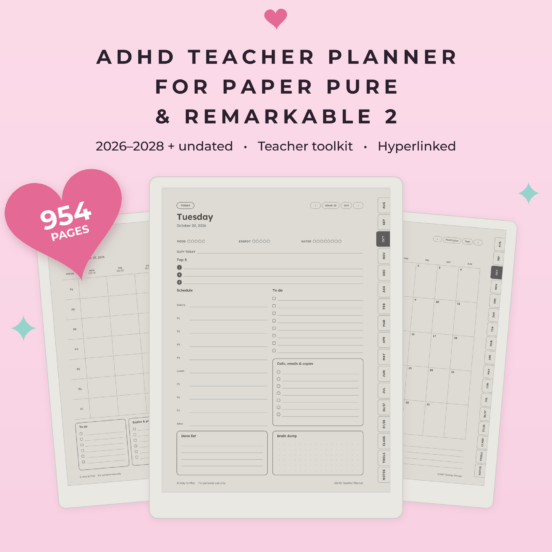
ADHD Teacher Planner for reMarkable Paper Pure & reMarkable 2 | 2026-2028 Lesson Planner, Hyperlinked
An ADHD teacher planner for your reMarkable Paper Pure & reMarkable 2: two full school years (August 2026 – July 2028) plus an undated bonus, with weekly lesson plans by period, a grade book, attendance, parent log and daily pages that keep it to 3 priorities. Fully hyperlinked.Original price was: $19.95.$15.96Current price is: $15.96. -
Home Management Binder for Kindle Scribe | Home Maintenance Checklist & Tracker, Hyperlinked
A home management binder for your Kindle Scribe: where everything is, what to check and when, your appliances, repairs, service pros and upkeep costs, in one hyperlinked file.Original price was: $12.95.$10.36Current price is: $10.36.