
Project Planner for Boox Go 10.3 | Hyperlinked E-Ink Project Tracker, Left & Right Handed
- Instant Download: Get your planner now!
- E-ink ready: Hyperlinked for your Boox Go 10.3
- Become more organized and productive

Planner description
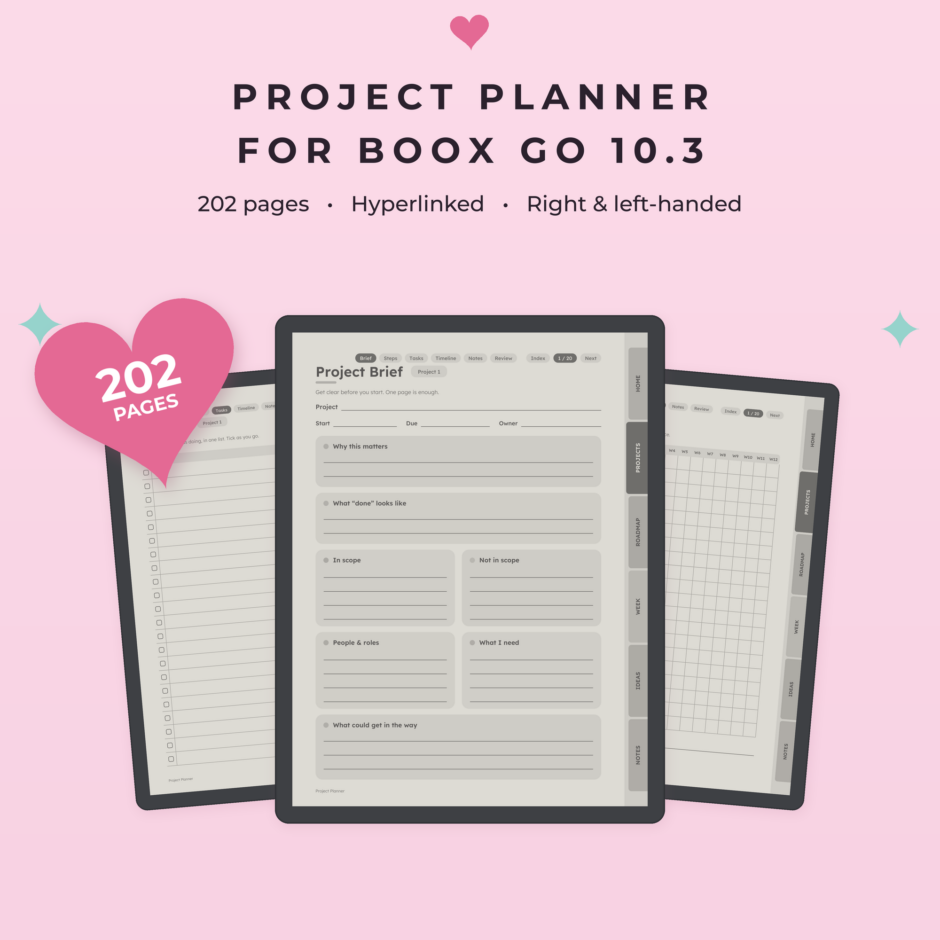
A clear, fully hyperlinked project planner made for the Boox Go 10.3 (it also fits the Boox Note Air and other 10.3-inch Boox tablets). From first idea to finished, one clear step at a time: 20 projects with six pages each, a year roadmap and a weekly focus page, all connected with tappable links. Undated, so you can start any day and reuse it every year. Designed in clean greyscale for the 10.3-inch Boox e-ink screen, so there is no zooming. Instant download: 202 hyperlinked pages, right-handed and left-handed.
📋 What’s inside
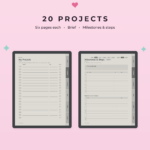
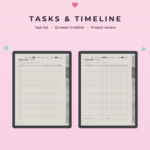
- 20 projects, each with 6 pages: project brief, milestones and steps, task list, 12-week timeline, notes and review
- Project index: all 20 projects on one page, tap to jump straight in
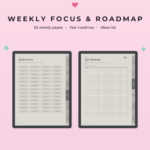
- Year roadmap (2 pages) to see what happens when
- 52 weekly focus pages for your top priorities and next steps
- Project ideas (4 pages) to park ideas until you are ready
- 20 extra notes pages
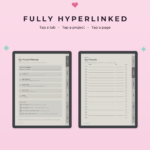
🔗 Fully hyperlinked
- 6 section tabs on every page: Home, Projects, Roadmap, Week, Ideas and Notes
- Tap a project in the index to open it, then tap between its six pages
- No scrolling through hundreds of pages
💗 How it works
- Write down what the project is and why it matters in the brief
- Break it into milestones and small steps
- Plan the steps on the 12-week timeline
- Pick your focus each week and check things off
- Finish with a short review, so the next project goes even smoother
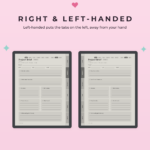
✍️ Right- and left-handed (both included)
Left-handed versions put the tabs on the left, so your hand never covers them.
✅ Designed for e-ink
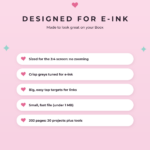
- Made for the 10.3-inch 3:4 screen of the Boox Go 10.3, so there is no zooming
- Clean greyscale and clear lines that look crisp on e-ink
- Roomy writing space and big, easy tap targets
- 202 pages: 20 projects plus planning tools
📐 Why this version suits the Boox Go 10.3
The Boox Go 10.3 is a slim, paper-like 10.3-inch e-ink tablet with a 3:4 screen, so this version is laid out to fill it edge to edge. Every page fits with no zooming, and the tabs are big enough to tap with a fingertip in NeoReader. It works just as well on the Boox Note Air and other 10.3-inch Boox tablets.
Have a color Boox? The Boox Note Air C version comes in three soft color themes.
📦 What you get
1 ZIP file with 2 PDF planners: right-handed and left-handed, 202 hyperlinked pages each (portrait).
✨ How to install
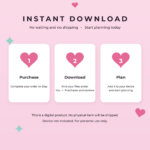
- Complete your purchase and download the ZIP from the order confirmation page or your email
- Unzip it and pick the version you want
- Copy the PDF to your Boox with BooxDrop or a USB cable
- Open it in NeoReader, the built-in Boox reader, and tap any link with your finger
🔁 Using a different device?
This project planner is also available for:
- Kindle Scribe
- Kindle Scribe Colorsoft
- reMarkable 2
- reMarkable Paper Pro
- reMarkable Paper Pro Move
- reMarkable Paper Pure
- Supernote Manta
- Supernote Nomad
- Boox Note Air C (color)
Browse all Boox Go 10.3 templates or every e-ink template.
💡 Good to know
- This is a digital product. No physical item will be shipped.
- Boox tablet and pen are not included.
- Way to Plan is not affiliated with Onyx Boox.
- For personal use only. Please do not share, resell or redistribute.
Reviews
-
September 10, 2026
It was exactly as described.
 Purchased planner: Daily routine checklist to stay...
 -
May 20, 2026
Really helped with our home school portfolios! Thanks!
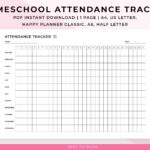
Purchased planner: Homeschool attendance tracker to track... -
March 23, 2026
Great tool used for couples therapy!
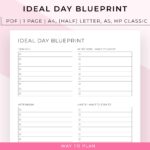
Purchased planner: Ideal day blueprint to get... -
February 23, 2026
Enjoying this product. Great product.
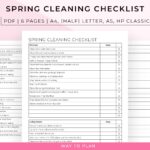
Purchased planner: Spring cleaning checklist to organize... -
February 22, 2026
Perfect for what I needed for! Thank you!
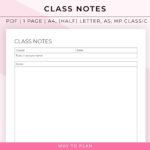
Purchased planner: Class notes template will help... -
February 1, 2026
Works great for what I needed it for!
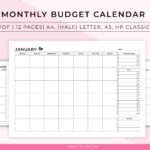
Purchased planner: Monthly budget calendar to visualize... -
January 20, 2026
quick and efficient lay out.
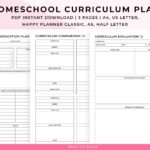
Purchased planner: Homeschool Curriculum Planner to compare... -
January 17, 2026
I don't know how many more ways I can say that I love the products from this shop!
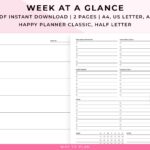
Purchased planner: Week at a glance printable... -
January 2, 2026
So far so good! Well thought out. Simple and easy.
Purchased planner: Daily routine checklist to stay... -
December 6, 2025
Great organizational help when I'm doing a brain dump, or need to break down a big project!
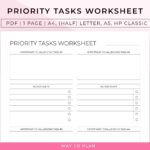
Purchased planner: Priority tasks worksheet to help... -
October 23, 2025
There are various planner pages; a lot of them are unique and practical. This bundle is a great deal! I'm glad I bought for the access of all current and future planner templates from this one purchase! The printables have a clean + simple aesthetic. And different / popular sizes! :D
Purchased planner: The only planner bundle you’ll... -
August 17, 2025
everything is fine, thank you very much…
Purchased planner: Weight loss tracker printable to... -
July 28, 2025
Really like the set up of this sheet and looking forward to using it for work. Easy to download and a great price.
Purchased planner: Priority tasks worksheet to help... -
July 13, 2025
Item is as described, looks like it will be helpful. Easy to download and print. Thank you!
Purchased planner: Deep cleaning checklist to get...



Living with my ADHD has its ups and downs, But it taught me the importance of staying organised. Sure, focusing can be tough, but i’m all about finding tricks to make it easier.
-

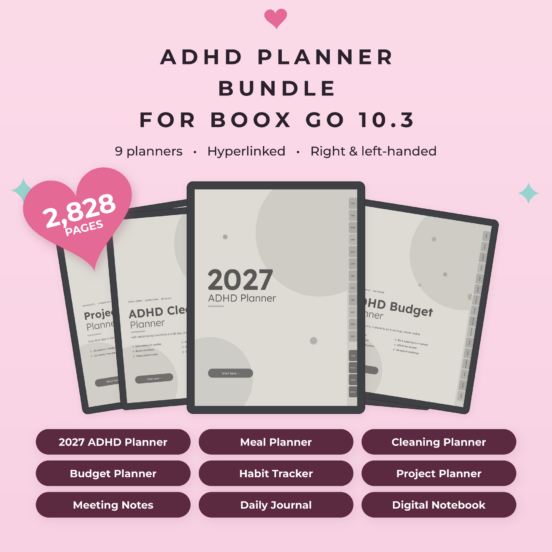
ADHD Planner Bundle for Boox Go 10.3 | 9 Hyperlinked E-Ink Planners, Left & Right Handed
All 9 hyperlinked planners for the Boox Go 10.3 in one bundle: 2027 ADHD planner, daily journal, meal, cleaning and budget planners, habit tracker, project planner, meeting notes and notebook. 2,828 pages in clean greyscale, left- or right-handed.Original price was: $29.99.$20.99Current price is: $20.99. -
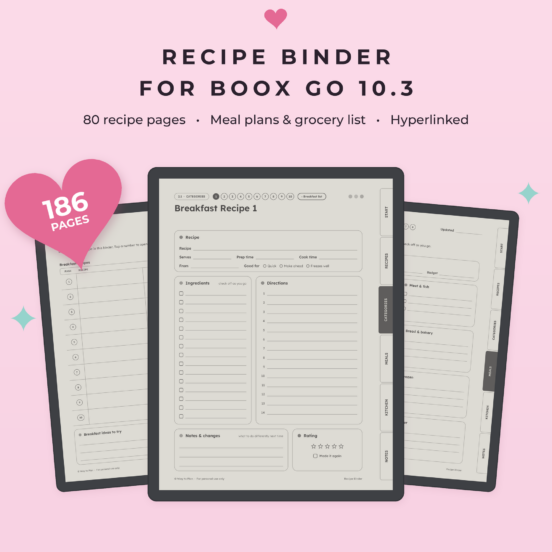
Recipe Binder for Boox Go 10.3 | Hyperlinked Recipe Book, Meal Planner & Grocery List
A recipe binder for your Boox Go 10.3 & Note Max: write down your recipes, sort them into 8 categories, plan your meals and shop with one list, all in one hyperlinked file. There are no recipes in it: it's made for yours.Original price was: $12.95.$9.71Current price is: $9.71. -
Sobriety Tracker 2027 for Boox Go 10.3 | Alcohol Free Tracker, Sober Day Counter & Cravings Log, Hyperlinked
A sobriety tracker for 2027 on your Boox Go 10.3 & Note Max: stay fully alcohol-free, one day at a time. Color in every alcohol-free day, make a plan for cravings, celebrate your milestones and watch the money you save add up.Original price was: $6.95.$5.21Current price is: $5.21.