What Is a Hyperlinked Planner? (And How to Use One)
What a hyperlinked planner is, how the links work on Kindle Scribe, reMarkable, Supernote and iPad, and what to look for before you buy one.
A hyperlinked planner is a PDF planner with links built into its pages. Tap a month, a date or a section and you jump straight there, instead of swiping through hundreds of pages. It works in PDF apps on an iPad and on e-ink tablets like the Kindle Scribe, reMarkable and Supernote.
A yearly planner easily runs to 400 pages. On paper that’s fine, because you flip to the ribbon. On a tablet it means swiping, and swiping again, until you give up and open a blank notebook instead. Links are what make a long PDF planner usable on a screen.
What is a hyperlinked planner?
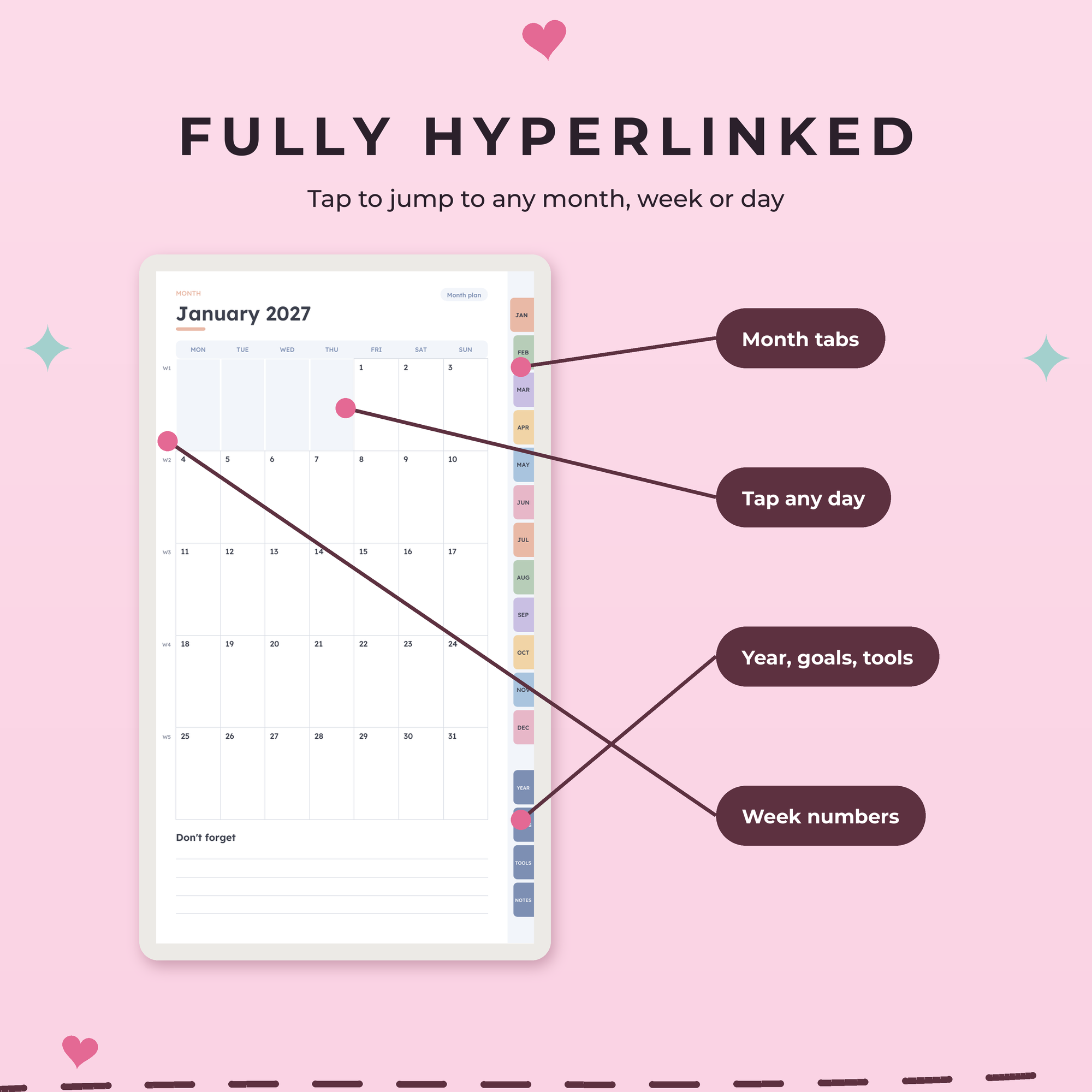
A hyperlinked planner is a PDF with clickable areas on its pages, a bit like a small website. You still write on it like any other PDF. The links only decide where a tap takes you. In a good one you’ll find:
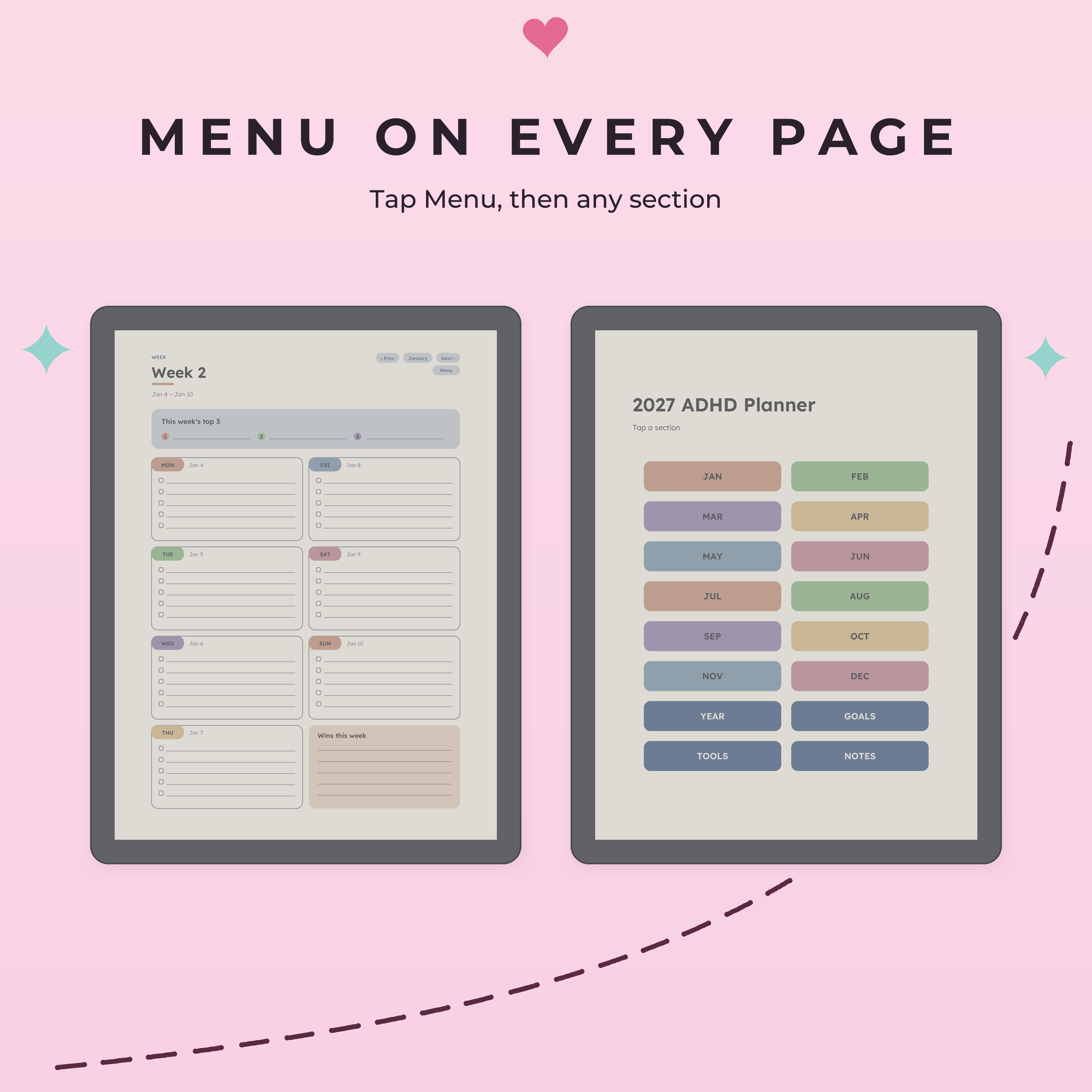
- A menu or tabs for each month and for sections like goals, notes or trackers.
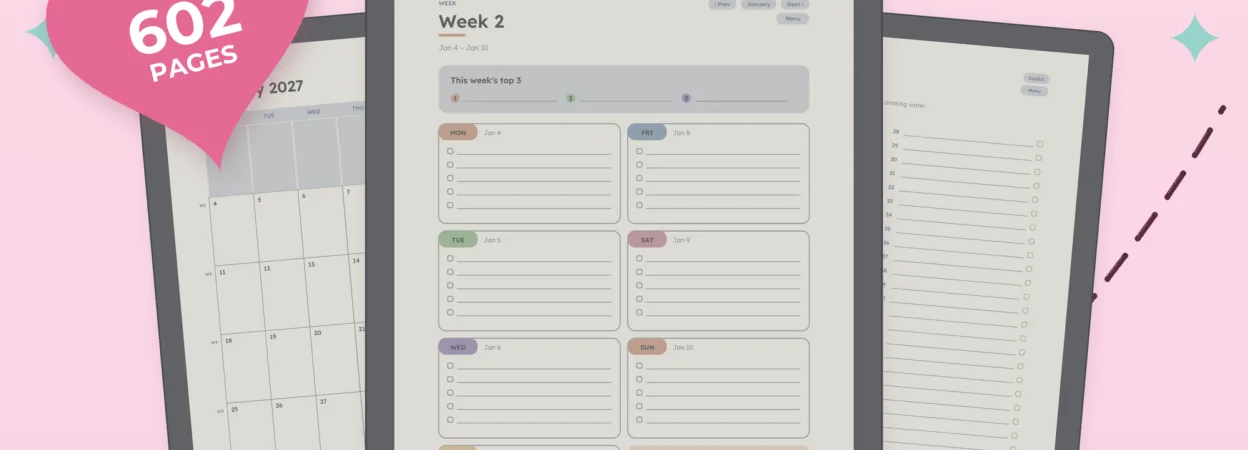
- A clickable calendar. Tap a date on the year or month page and you land on that day.
- Links between views: from a month to its weeks, from a week to its days, and back again.
- A way home on every page, so you never get lost in the middle of the year.
Why does a hyperlinked planner work so well on e-ink?
A hyperlinked planner works well on e-ink because it replaces long swiping with one or two taps. E-ink screens redraw more slowly than a phone screen, so paging through 80 pages to reach next Tuesday is tiring. A link gets you there in a moment.
E-ink tablets also have no notifications and no feeds, which makes them a calm place to plan. I have ADHD, and I sometimes journal on my own Kindle Scribe with my own templates. A planner that opens on the right page keeps that calm: you go to today, write, and close it.
Is a hyperlinked planner better than paper or a planner app?
A hyperlinked planner is better than paper if you want a whole year in one light device, and better than an app if your phone distracts you. It isn’t better for everyone. I still plan on printed pages too, mostly to-do lists and home pages.
- Paper is the easiest to start, but a full year is heavy to carry and a messy week stays messy.
- Planner apps are quick, but they live on your phone, right next to everything else that pulls at your attention.
- A hyperlinked PDF gives you handwriting, a full year in one place, instant erasing and quick jumps between pages.
Does a hyperlinked planner have to match your device?
Yes, a hyperlinked planner works best when it’s made for your exact screen. Every tablet has a different shape. The Kindle Scribe is close to 3:4, the reMarkable Paper Pro Move is tall and narrow, and the Supernote Nomad is small. A page made for one screen shows white bars or tiny text on another, and the links shrink into targets that are hard to hit.
That’s why a good e-ink planner comes in a separate version per device: the page fills the screen, the text is a comfortable size, and the links are big enough for a fingertip or pen.
How do you tap the links on each device?
On most devices you tap a link with your finger or pen, and it opens the page it points to. The details differ a little:
- Kindle Scribe and Scribe Colorsoft: write with the pen and tap with your finger. Taps right at the edge of the Scribe’s screen don’t always register, so our Kindle planners have a Menu button at the top of every page instead of side tabs. Here’s how to put a planner on your Kindle Scribe.
- reMarkable: tap a link in the PDF to jump. This guide shows how to import templates to your reMarkable.
- Supernote: tap tabs and links with the pen. See how to add PDF planners to your Supernote.
- iPad (GoodNotes and other PDF apps): links usually open with a tap. If a tap draws a line instead, look up read-only mode in your app’s help pages.
If you’re left-handed, check where the tabs sit before you buy. Tabs on the right edge end up under your writing hand.

Can you make your own hyperlinked planner?
Yes, you can make your own hyperlinked planner in a design tool like Canva or Keynote, by adding links to shapes and exporting the file as a PDF. For a simple notebook with a few sections, that’s a nice weekend project.
A full dated year is a different job. Every date on every calendar needs its own link, which quickly adds up to thousands of them, and one wrong link sends you to the wrong week. If you’d rather start planning today, a ready-made planner saves those hours.
What should you look for in a hyperlinked planner?
Look for a planner made for your device, with every date linked and a simple layout you’ll actually fill in.
- Made for your exact device, not “works on all tablets”.
- Every date linked, not just the month tabs.
- A way back to the menu or home page from every page.
- A calm layout. Busy, crowded pages don’t work for me. A short list of a few things a day, which I can check off, does.
- A small file size, so pages open quickly on e-ink.
Not sure what suits your brain? This guide on how to choose the best ADHD planner goes through the layouts that help.
Where can you find a hyperlinked planner for your device?
Every Way to Plan e-ink planner is fully hyperlinked and made for one specific screen. If something you need is missing, just ask. Customers often ask me for changes, and I usually make them.
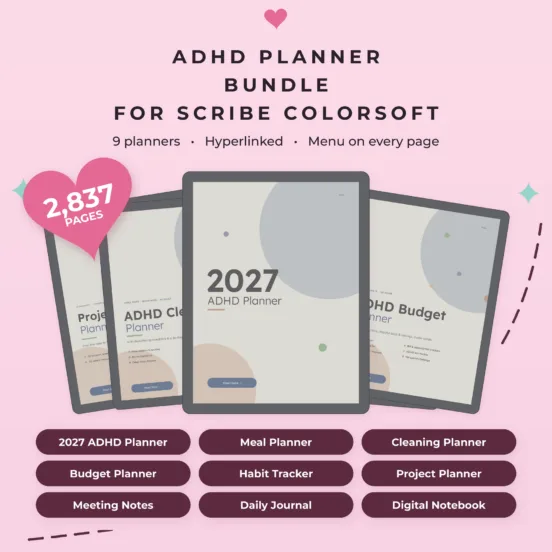
- Kindle Scribe templates and Kindle Scribe Colorsoft templates
- reMarkable templates (Paper Pro Move, Paper Pro, Paper Pure and reMarkable 2)
- Supernote templates (Nomad and Manta)
- Boox templates (Go 10.3 and Note Air C)
- On an iPad: the ADHD Digital Planner 2027 for GoodNotes and other PDF apps
Frequently asked questions
Yes. A hyperlinked planner is a PDF with links built into its pages. You write on it like any other PDF, and tapping a month, date or section jumps straight to that page.
Yes. You write with the pen and tap links with your finger. Taps at the very edge of the screen don’t always register, so Way to Plan’s Kindle planners use a Menu button at the top of every page instead of side tabs.
Yes. GoodNotes and other iPad PDF apps open hyperlinked PDFs, and links usually open with a tap. If a tap draws a line instead, check your app’s help pages for read-only mode.
Yes. You can add links to shapes in Canva or Keynote and export the file as a PDF. It works well for a simple notebook, but a full dated year needs thousands of links, so a ready-made planner saves a lot of time.